
핵심 요약: 필수 숏코드를 조합해 결제 페이지를 구성하는 실제 예시를 안내합니다.
결제페이지용 페이지 생성하기 #
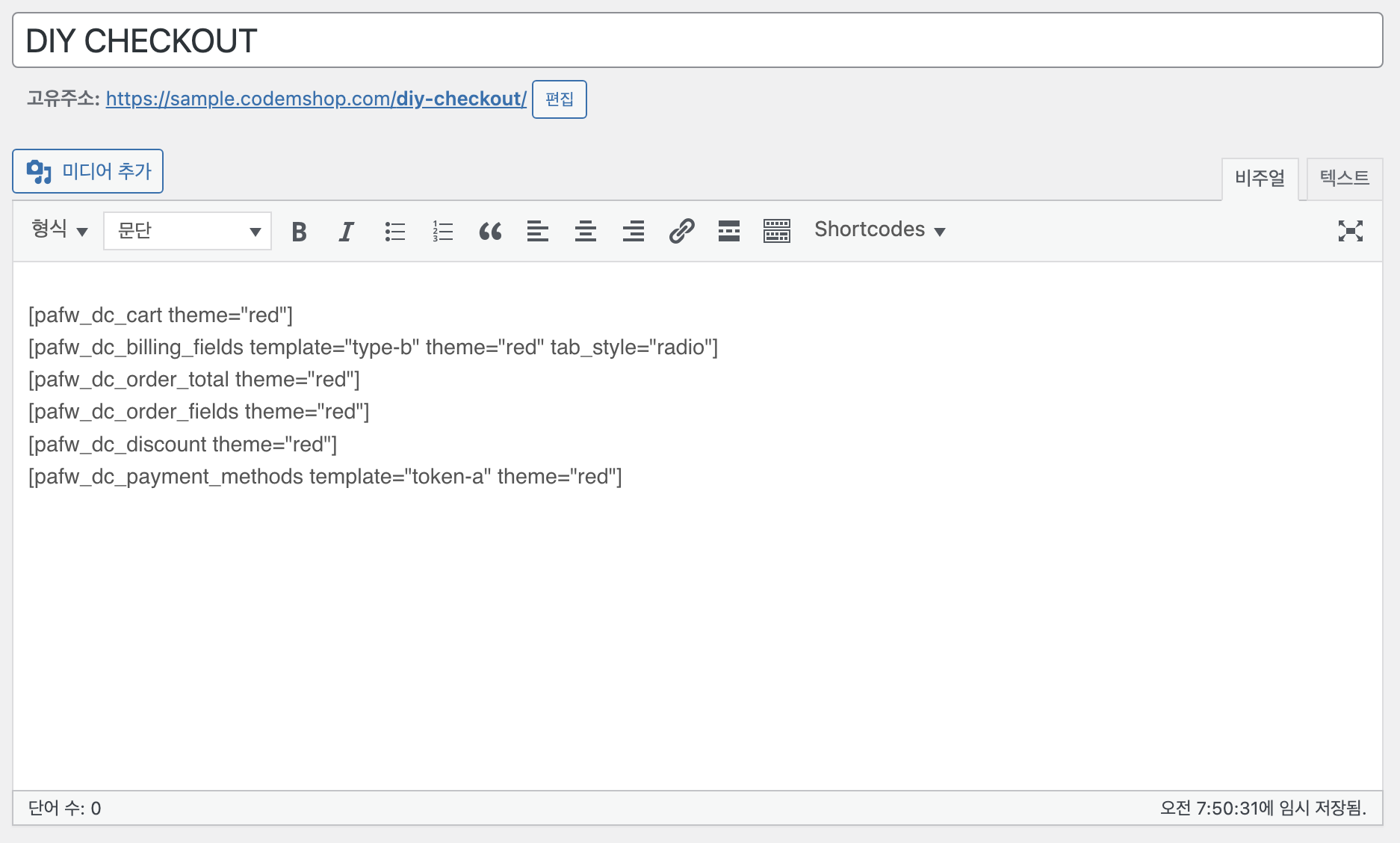
신규로 페이지를 생성한 후, 사용자에게 보여질 내용들을 입력합니다.
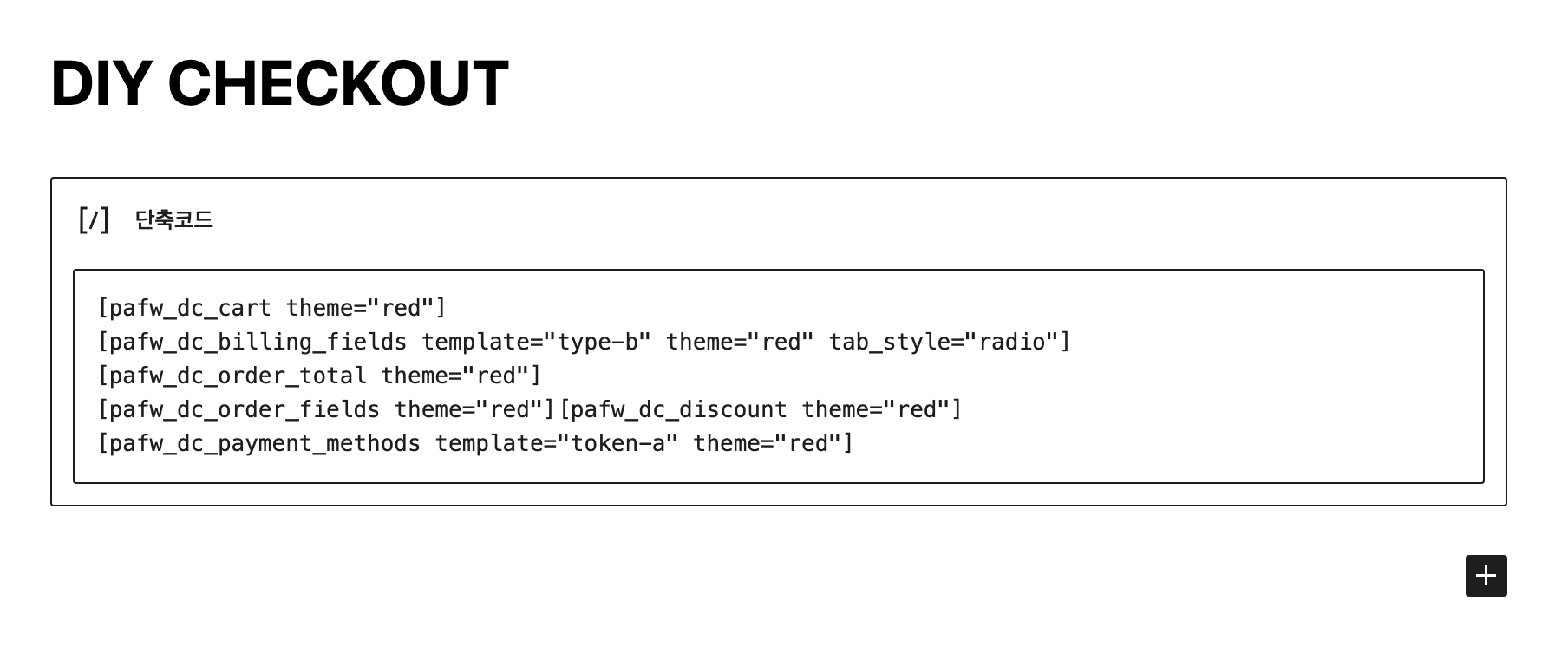
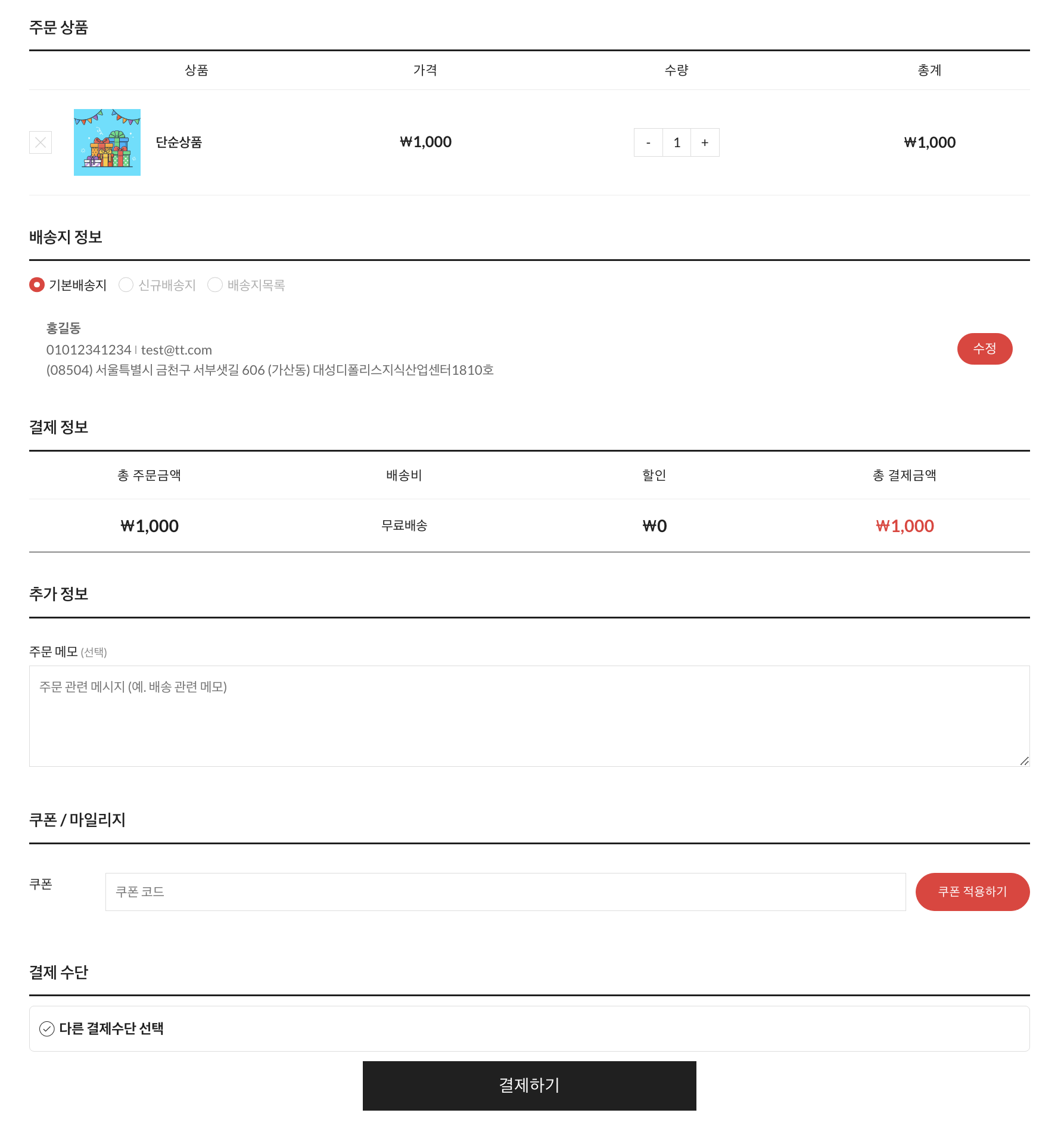
예시에서는 아래와 같은 숏코드들을 사용하였습니다.
(주의) pafw_dc_cart, pafw_dc_billing_fields, pafw_dc_order_total, pafw_payment_methods 숏코드는 필수 숏코드로, 반드시 추가해 주셔야 합니다.
[pafw_dc_cart theme="red"]
[pafw_dc_billing_fields template="type-b" theme="red" tab_style="radio"]
[pafw_dc_order_total theme="red"]
[pafw_dc_order_fields theme="red"]
[pafw_dc_discount theme="red"]
[pafw_payment_methods template="token-a" theme="red"]
자주 묻는 질문 #
어떤 숏코드는 반드시 추가해야 하나요?
장바구니, 청구지 주소, 결제내역, 결제수단 숏코드는 필수로 추가해야 합니다.
색상 테마를 지정할 수 있나요?
네, 각 숏코드의 theme 파라미터로 원하는 색상을 지정할 수 있습니다.